
Click to download now, finish the installation quickly, and directly unlock the all-round experience
Screenshots
Click to download now, finish the installation quickly, and directly unlock the all-round experience
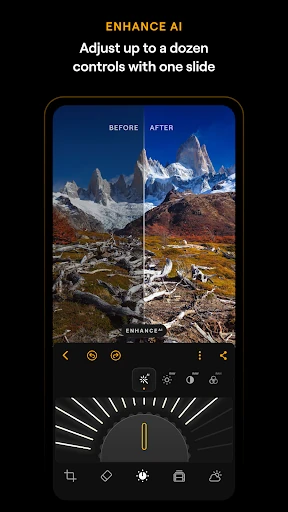
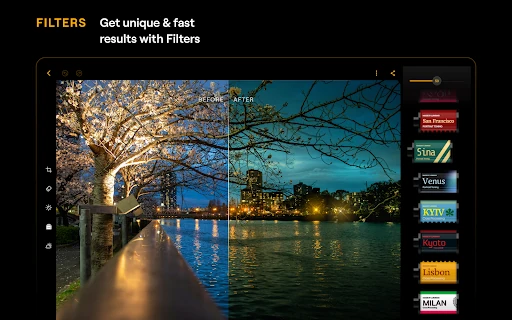
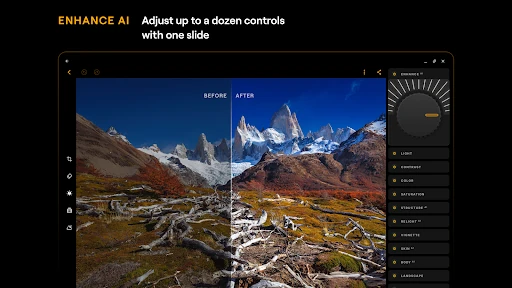
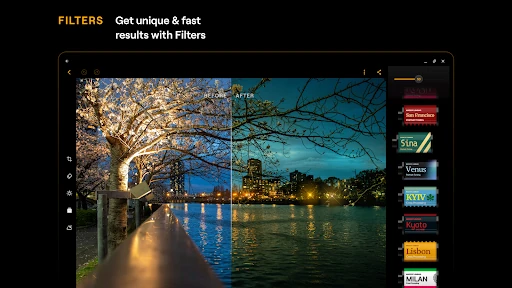
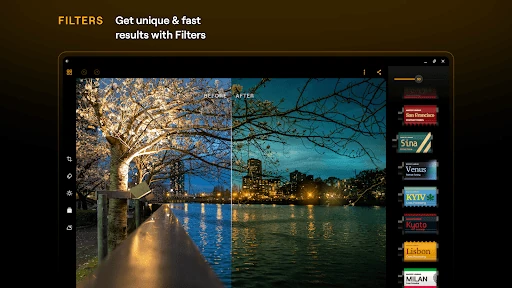
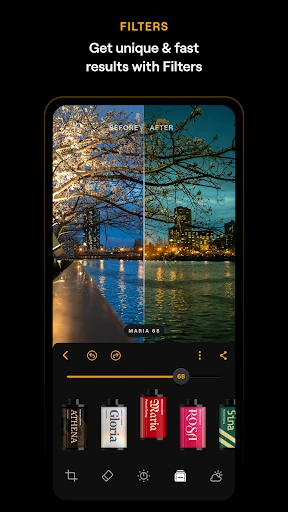
Luminar: AI Photo Editor is a photography app for people who want to improve exposure, detail, skies, portraits, and unwanted objects without building every adjustment from scratch. Its main reason to notice it is the way AI-assisted controls turn several time-consuming edits into guided, touch-friendly changes while still leaving room for manual control.
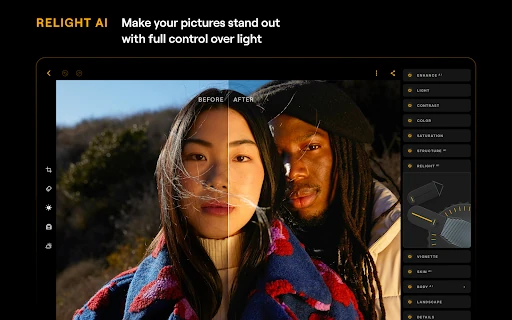
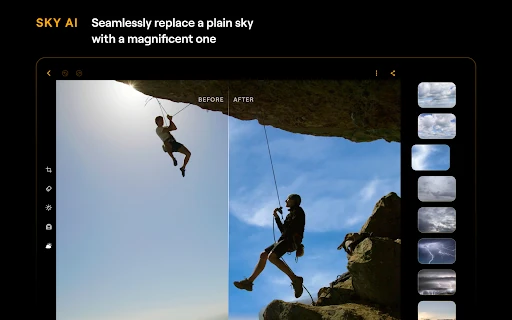
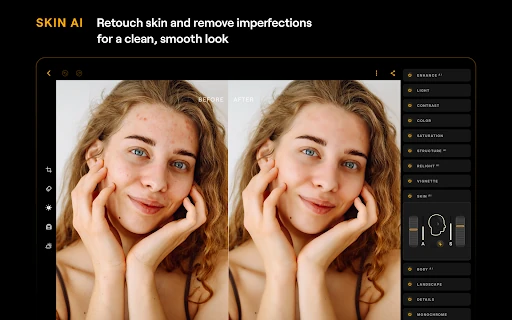
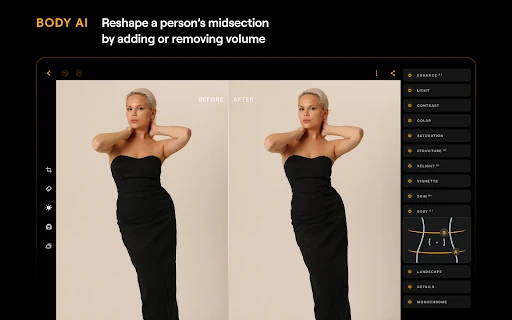
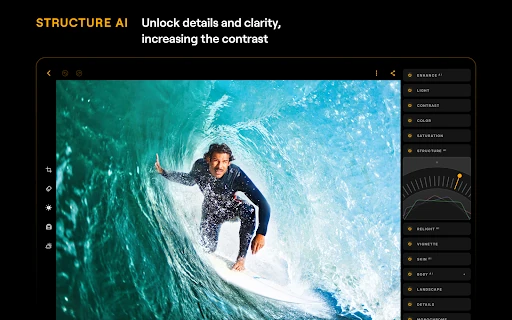
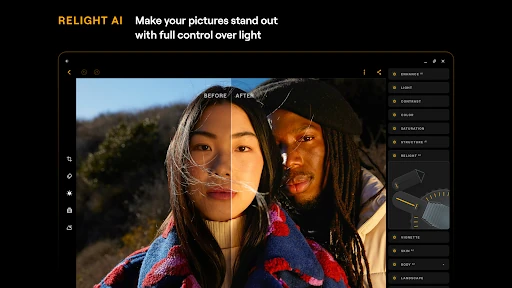
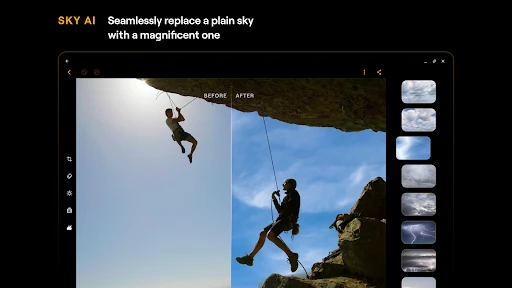
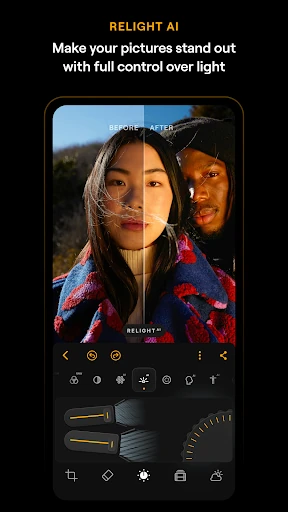
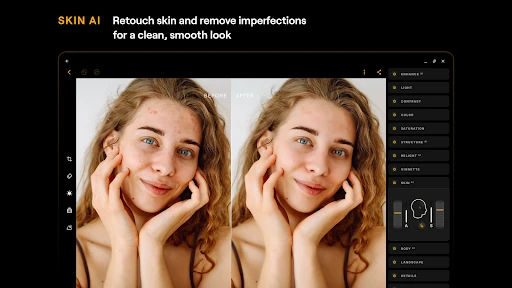
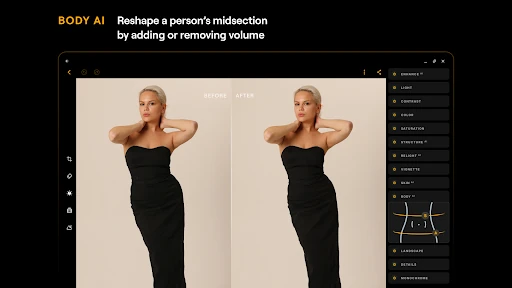
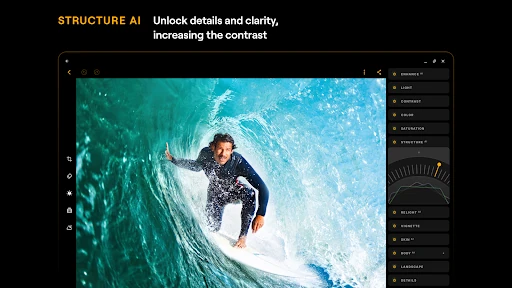
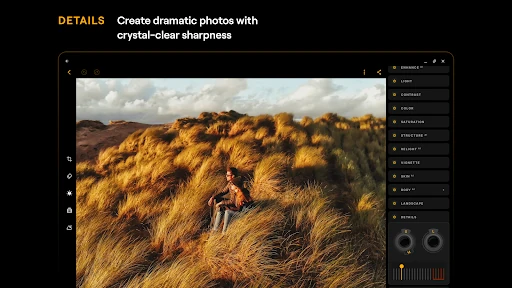
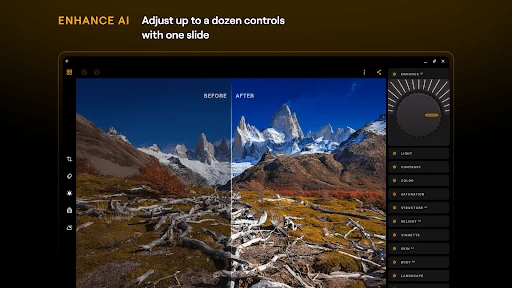
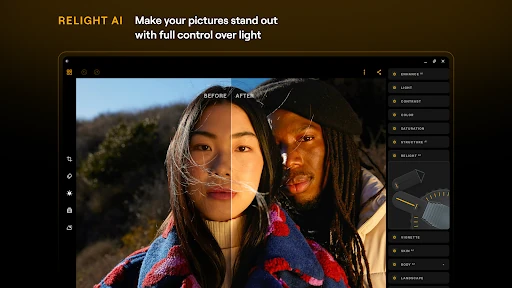
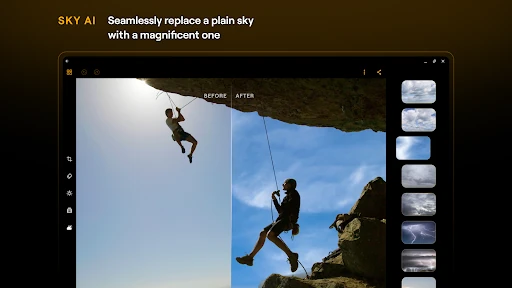
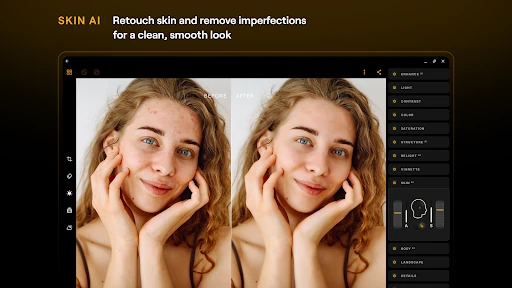
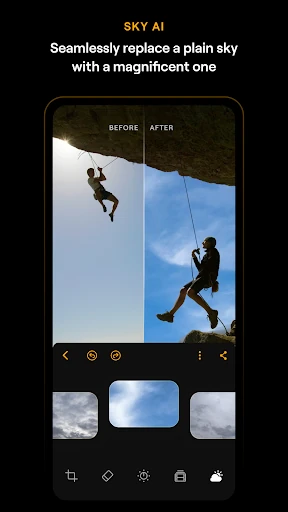
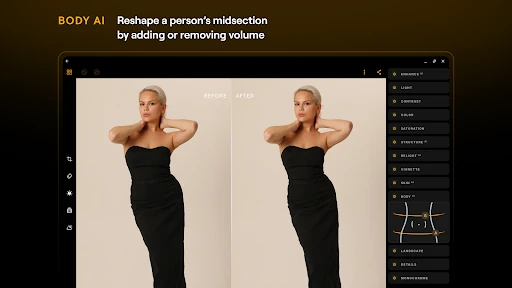
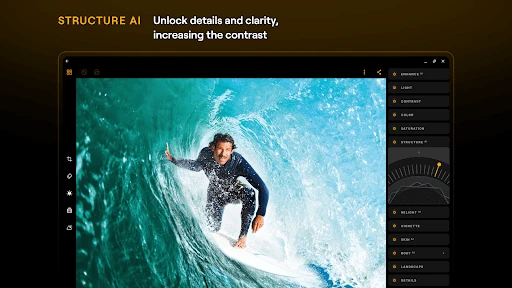
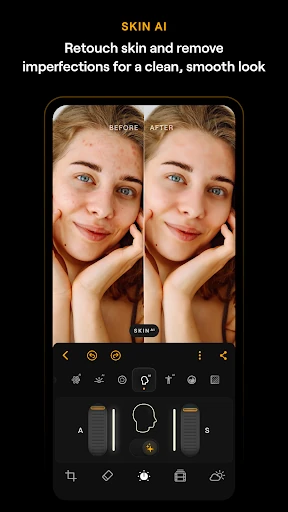
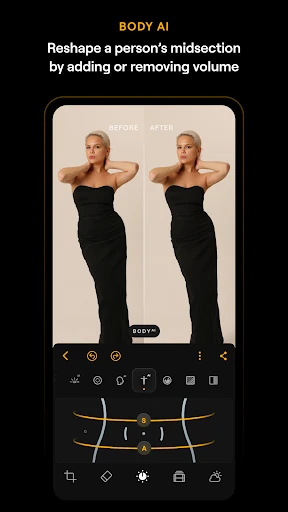
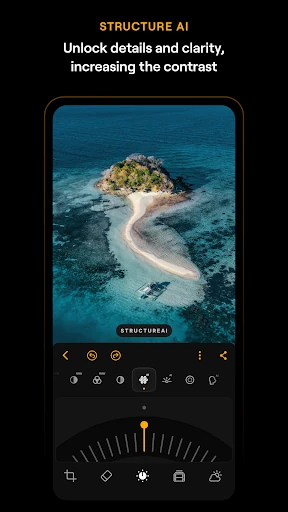
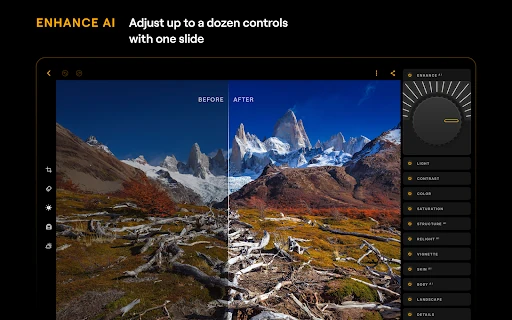
The app is especially suited to outdoor photographers and portrait shooters. EnhanceAI can help balance an image that looks flat, while SkyAI is designed for changing an uninteresting sky. RelightAI and StructureAI target lighting and texture, and portrait tools handle skin and body adjustments. The Erase tool also covers a practical problem: removing distractions or unwanted people from a scene.
RAW support gives more serious mobile photographers a reason to look closer, since they can work with files that retain more original image information than already-processed images. That makes Luminar more relevant to users who want an editing workspace rather than a collection of one-tap effects.
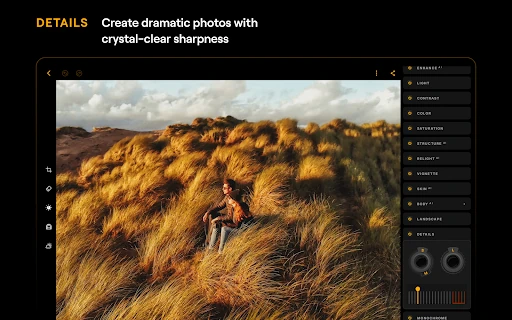
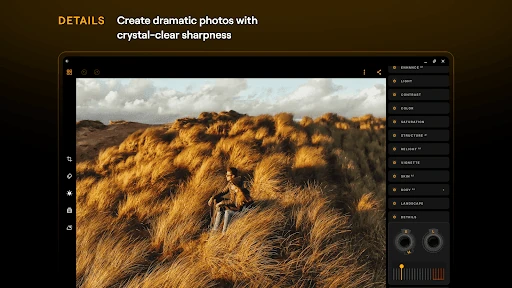
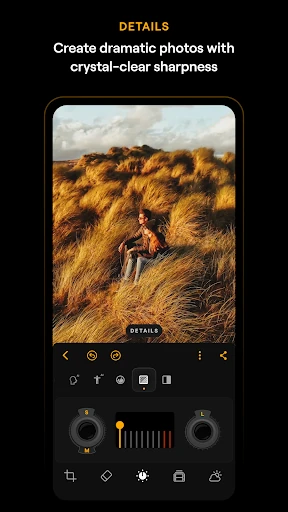
This is a good fit for photographers moving between quick automatic improvements and more deliberate editing. Beginners can start with AI-based adjustments, while experienced users may prefer the control over light, texture, retouching, and object removal. The interface is also designed to work across Android and ChromeOS devices, including larger screens such as tablets and Chromebooks.